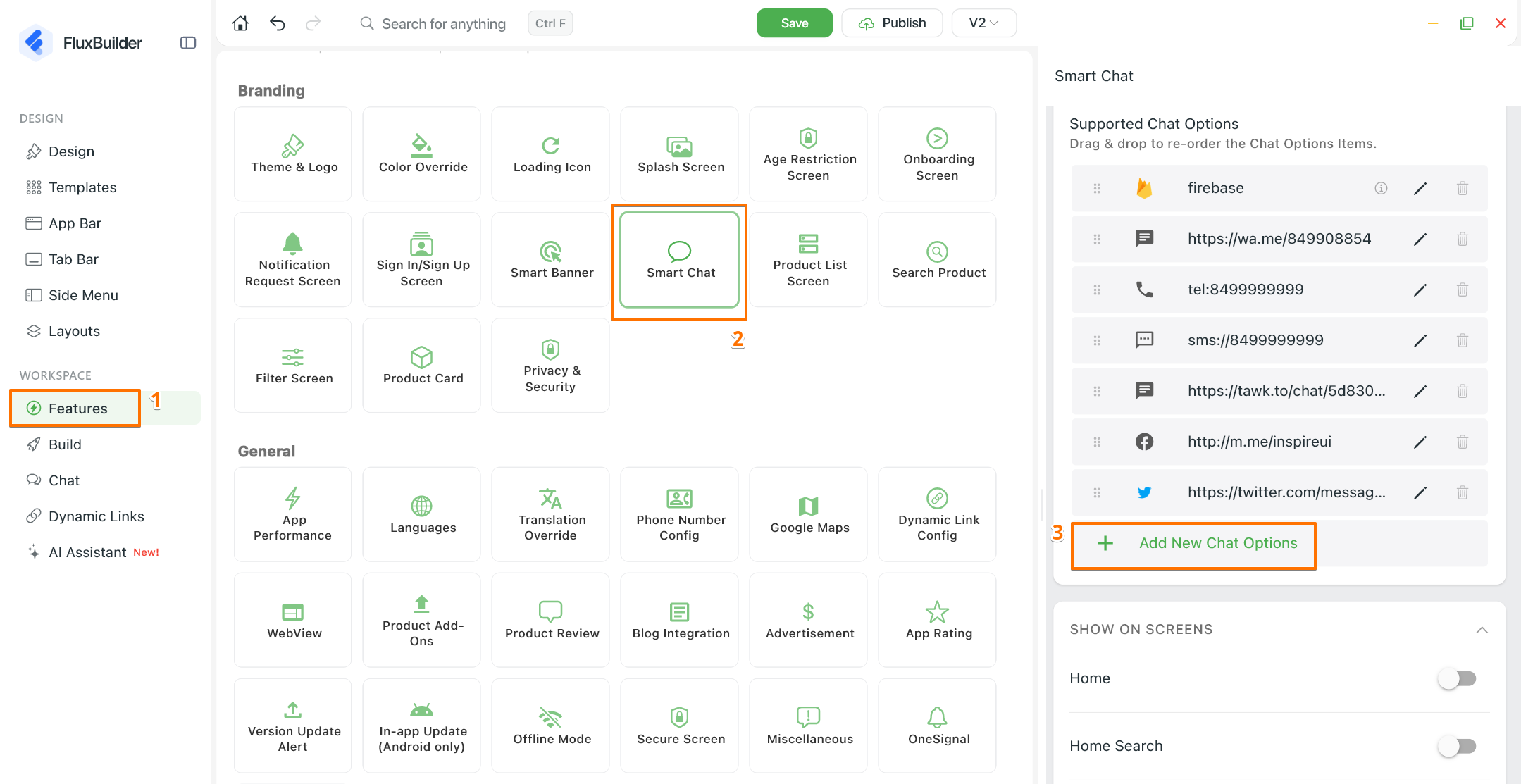
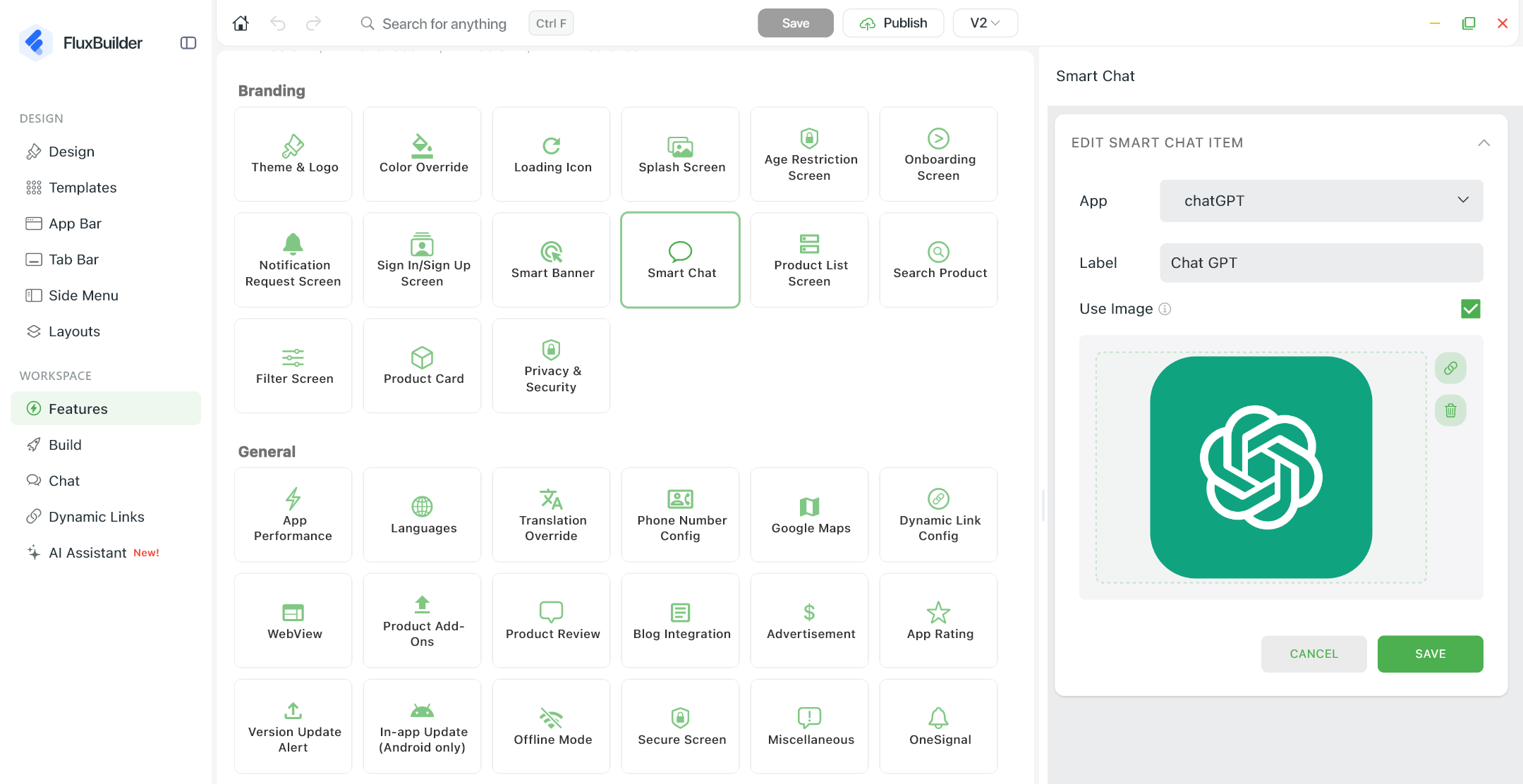
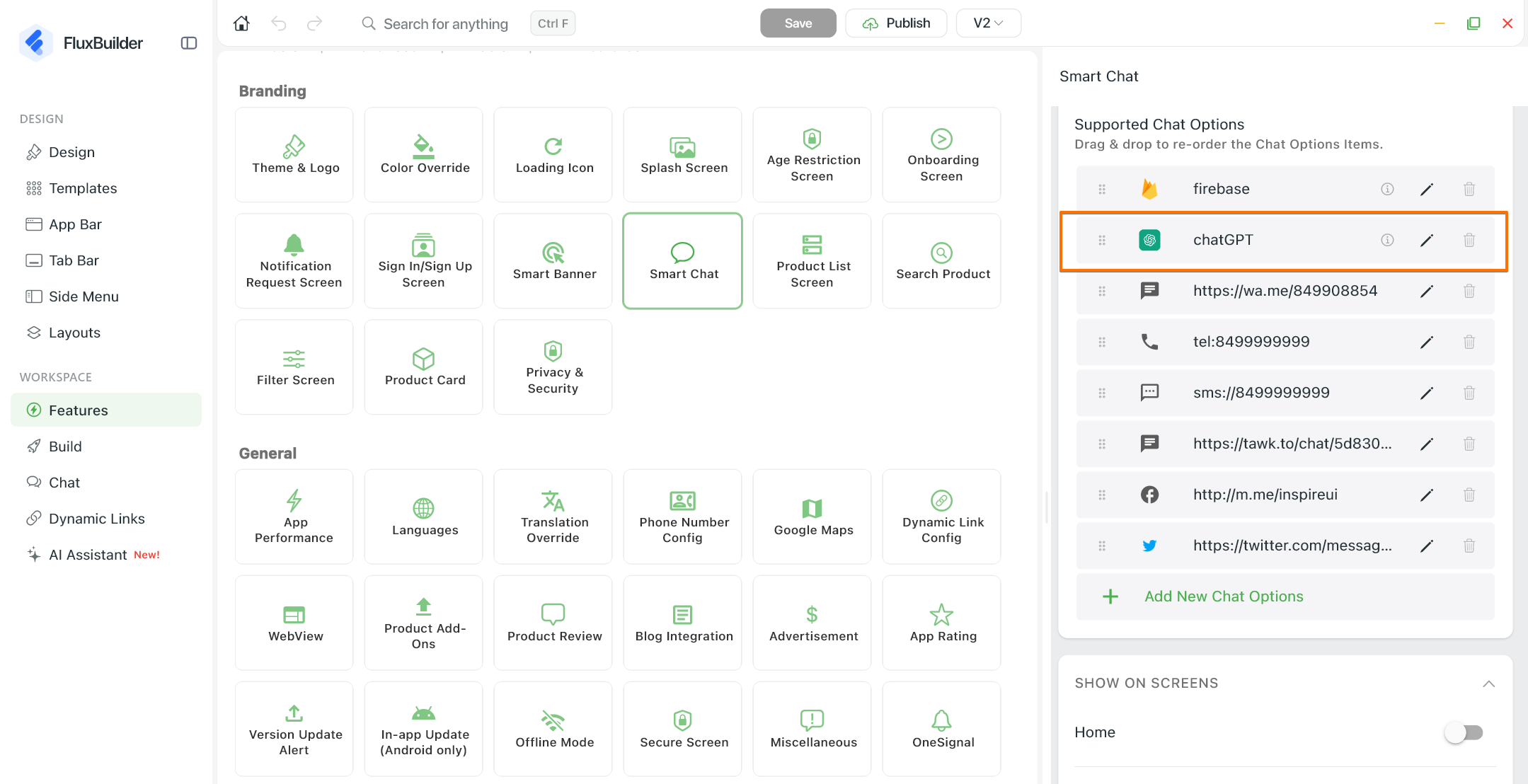
AI Chat
All AI settings are now grouped in a new AI section, making it easier to add AI-powered experiences to your app.
- AI Chat: set up an AI chat assistant shown in Smart Chat and other AI Chat surfaces.
- Web-Embedding Chat: embed the AI chat widget on your website.
- AI Chat Add-ons: extend AI Chat with extra add-ons — Image Search, Product Search, Document Search (RAG), Knowledge Sub-Agent, Product Sub-Agent, Order Sub-Agent, MCPs, Human Handoff,…
- This feature is available for Lifetime, Ultra plan, Professional or Extended license. Please contact the support team to receive the detailed instructions.
Configuration
In Features, open AI Chat to customize the chat screen.
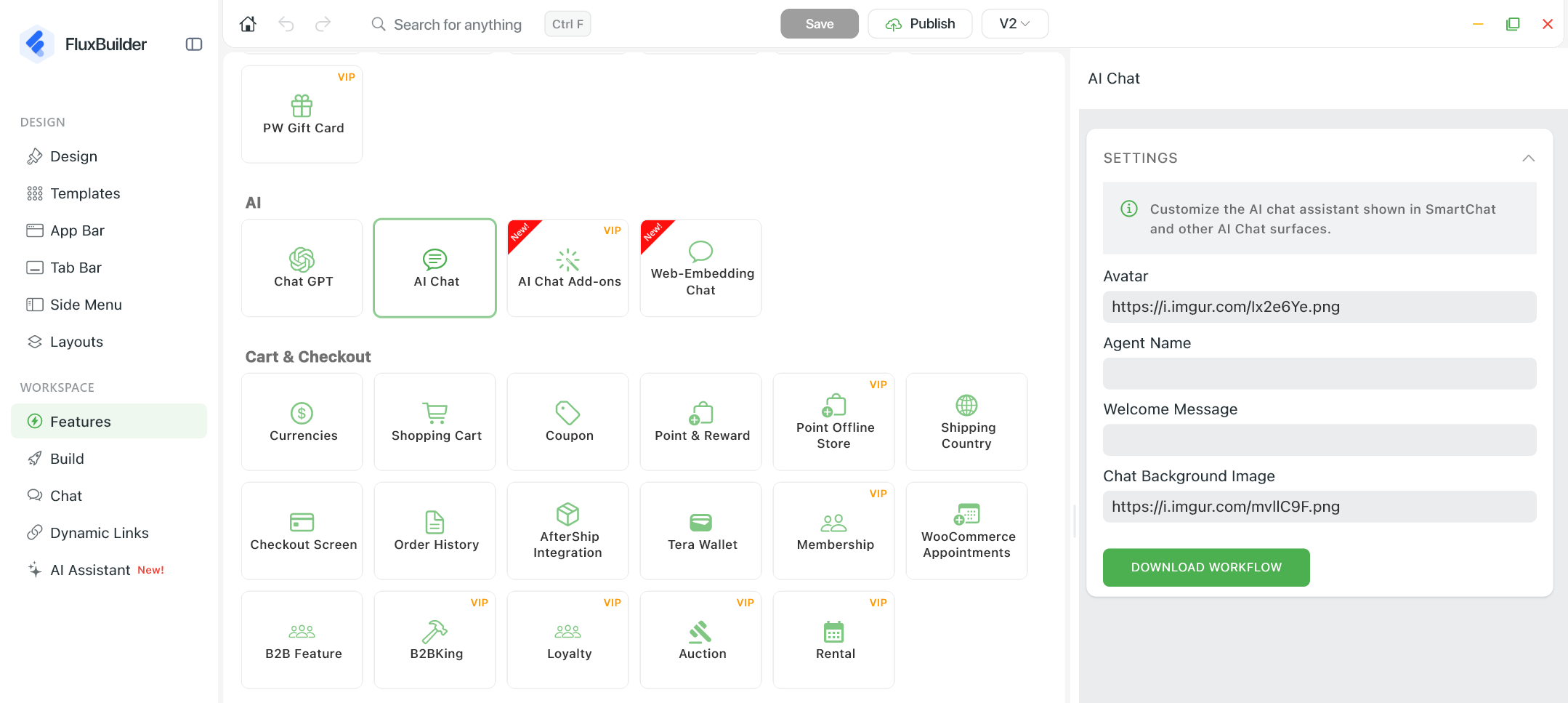
Click DOWNLOAD WORKFLOW button.
(Optional) Open AI Chat Add-ons to add more plug into AI Chat Agent as extra tools.
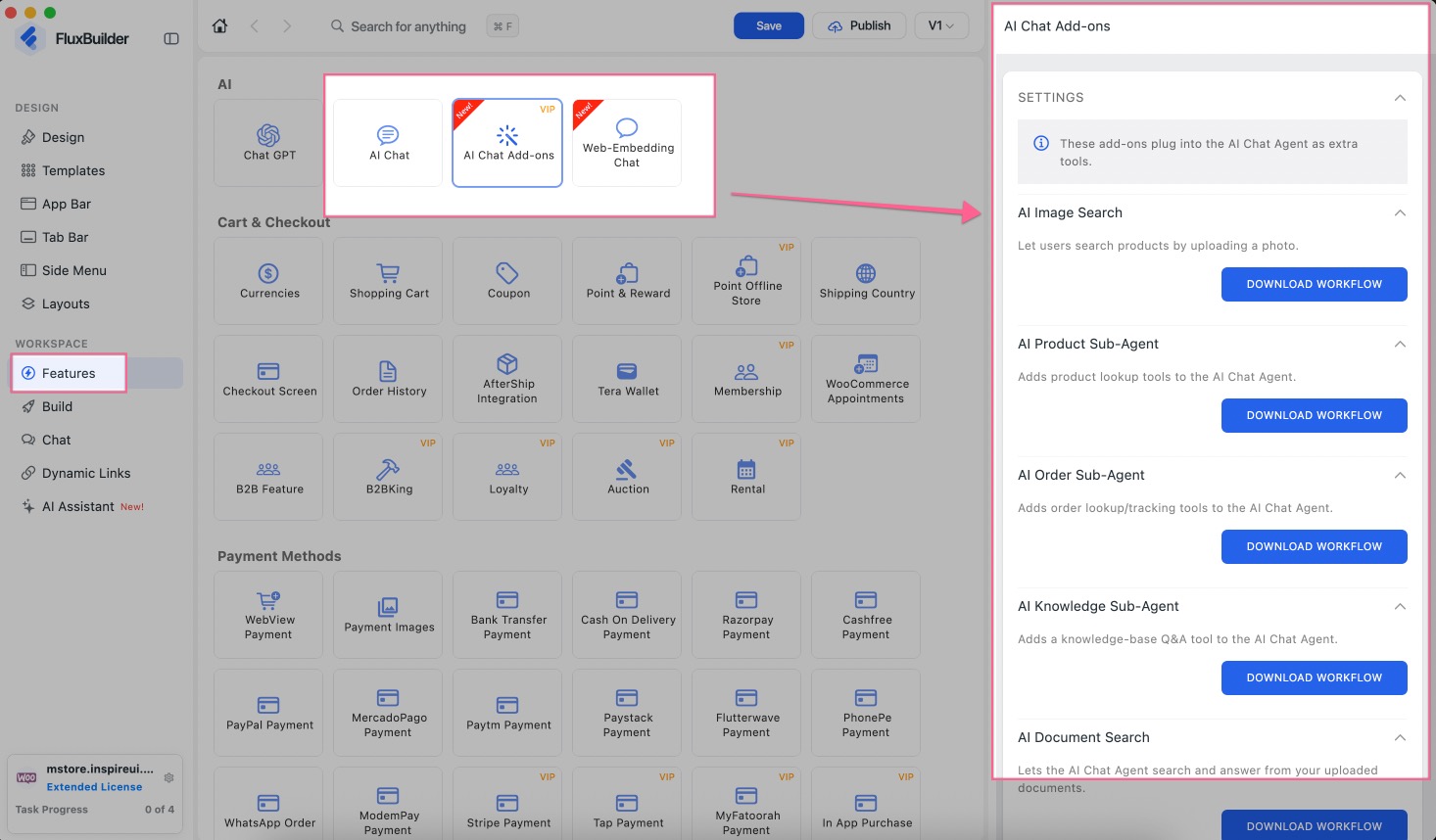
**Contact the support team to receive the detailed instructions.
Open Chat GPT to setup n8n server to use AI features in Smart Chat.
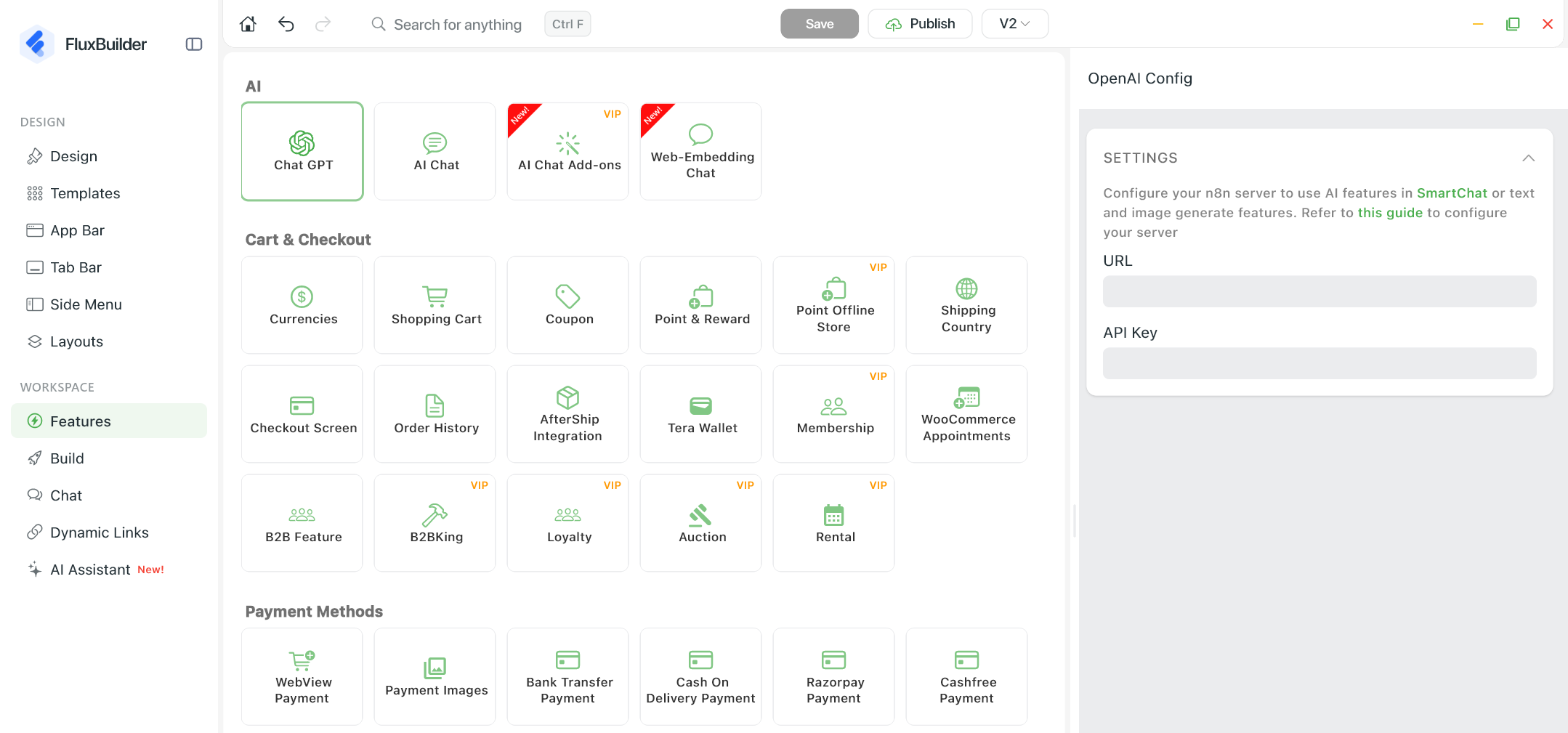
Add
Chatgptin Smart Chat.