Version 2.7
Last updated: Aug 1st, 2026
FluxBuilder.com | MacOS | Windows | Web version | Guide | Support | Video | Affiliate
🚀 We're excited to introduce a major FluxBuilder update featuring the all-new AI Assistant 🎉. Design your app, configure features, build your project, and get instant answers from the documentation - all through natural language conversations. This release also adds support for ExpressPay and Thai PromptPay, expanding payment options for your mobile apps.
🤖 AI Assistant
Meet the new AI Assistant built directly into FluxBuilder.
- FluxAI Mini
- FluxAI Pro
- FluxAI Max

Simply describe what you want in natural language, and the AI can help you:
- Design app screens and layouts.
- Configure app features and settings.
- Build and update your app automatically.
- Explain FluxBuilder features and workflows.
- Answer documentation and user guide questions instantly.
Whether you're creating a new app or improving an existing one, AI Assistant helps you complete tasks in minutes instead of hours.
⚡️ MCP
With MCP (Model Context Protocol), you can connect AI clients such as Claude, Codex, GitHub Copilot, OpenCode, Antigravity, Hermes, and OpenClaw to FluxBuilder and use them to interact with your app-building workflow.
✨ What you can do:
- Connect AI tools directly to FluxBuilder.
- Use AI to design and customize your app.
- Configure app features through AI.
- Build Android, iOS & PWA apps.
- Combine your favorite AI tools with FluxBuilder's drag-and-drop App Builder.
✨ Try the FluxBuilder drag-and-drop app builder for FREE https://fluxbuilder.com/download
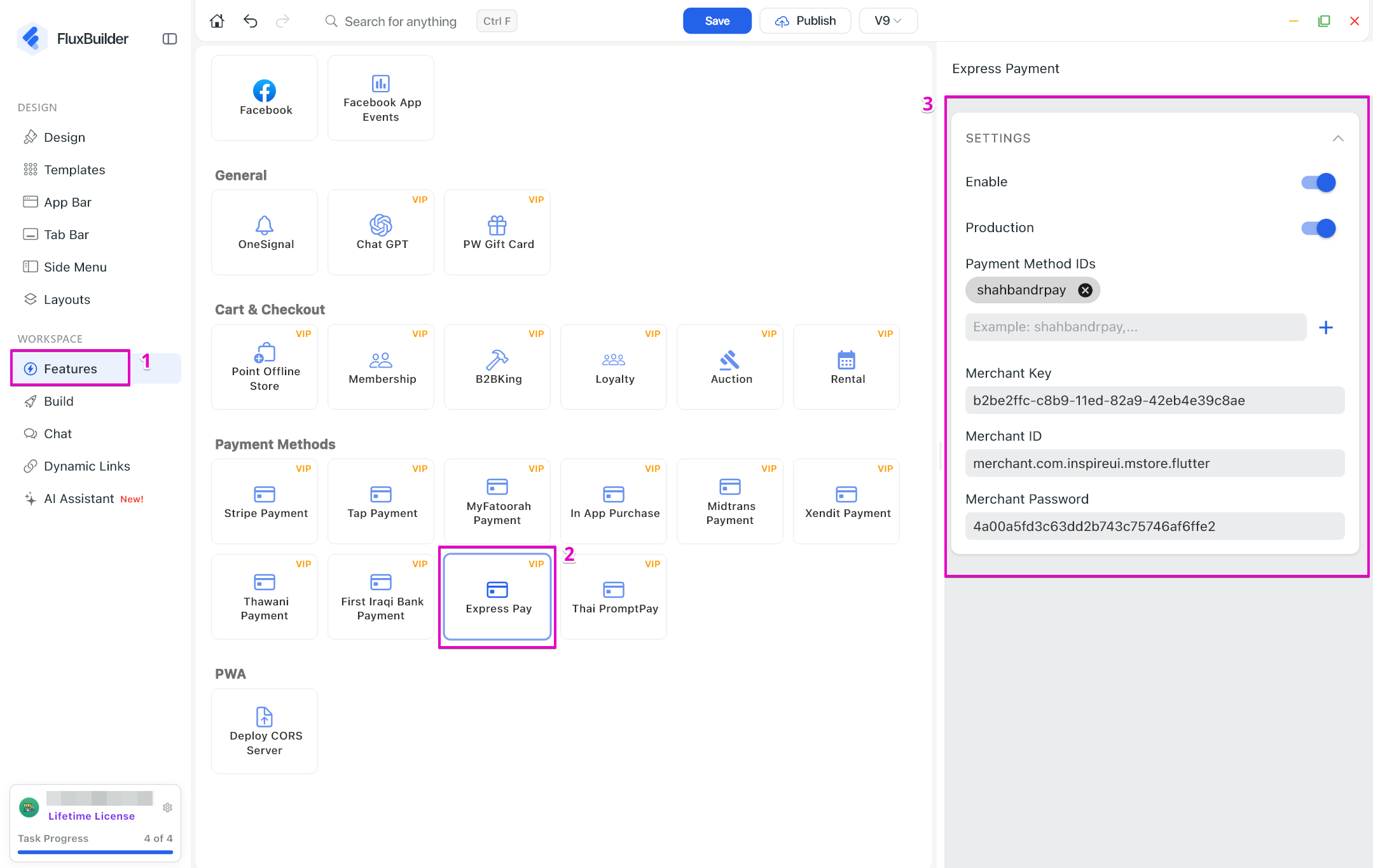
💳 ExpressPay
Allow merchants to integrate the ExpressPay payment gateway into their mobile apps. Customers can enjoy a secure and seamless checkout experience using ExpressPay during payment.
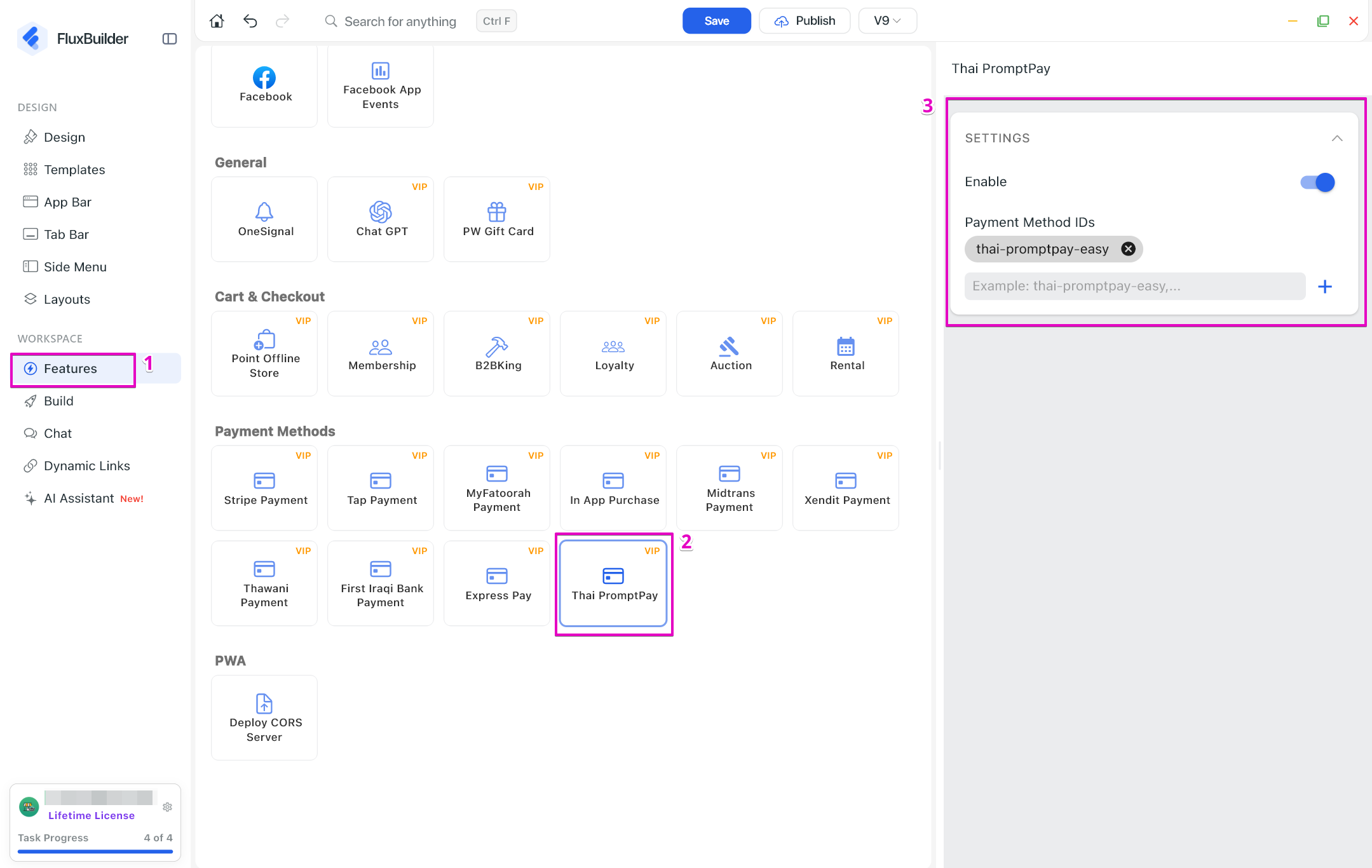
🇹🇭 Thai PromptPay
Added support for Thai PromptPay, one of Thailand's most popular payment methods. Merchants can now offer PromptPay as a payment option, providing a faster and more convenient checkout experience for customers in the Thai market.
✨ Try the FluxBuilder drag-and-drop app builder for FREE https://fluxbuilder.com/download